metaSOFT International
Clinical Module

Dental Charts & Odontogram

Visual treatment planning on a graphical odontogram. metaDENT's dental charting module gives clinicians a fully interactive tooth chart that plans, records and tracks every procedure — colour-coded by status, material and clinical priority.

17 procedure types
out of the box
FDI + Universal
tooth numbering systems
Time-travel
historical chart view
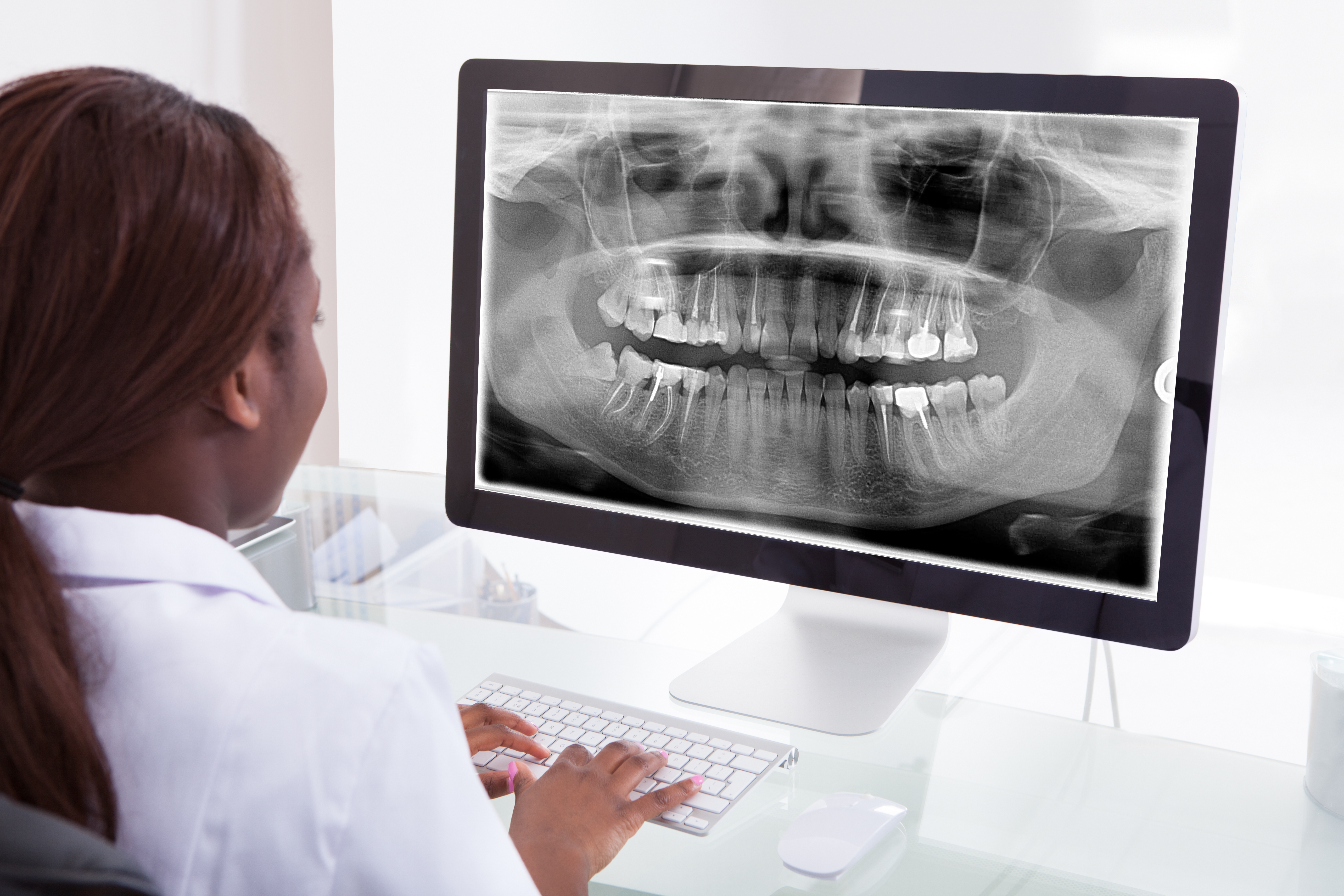
Dentist reviewing panoramic X-ray
Graphical charting

Plan, chart and track every procedure — tooth by tooth.

Benefits

What your clinical teams gain on day one.

Plan before you treat

Mark planned procedures on the chart before any treatment begins. Every planned item automatically generates a line in the patient's treatment plan, giving both the clinician and patient a clear picture of what lies ahead.

Real-time status

Colour-coded planned, completed and existing status on every tooth means any clinician opening the chart instantly understands the full treatment picture — no reading through free-text notes to establish context.

Material tracking

Filling, crown and bridge materials are displayed with indicative colours directly on the tooth diagram. Composite, amalgam, ceramic, gold and other materials are immediately distinguishable without opening a separate record.

Historical time-travel

View the odontogram exactly as it appeared at any previous visit. Scroll back to the first appointment or any specific date to understand what was present, planned and completed at that point in the patient's care journey.

Standardised notes

Tick-to-insert note templates ensure fast, consistent clinical documentation across all dentists in the practice. ICD-10 diagnosis codes are embedded in the templates for accurate coding without additional lookup steps.

Procedure-to-billing link

Every procedure charted on the odontogram generates a billable line automatically. No separate charge entry, no missed procedures, no discrepancy between the clinical record and the patient invoice.

Feature highlights

Complete dental charting — every clinical detail captured graphically.

Graphical odontogram

  • 17 procedure types: root canal, extraction, fillings, crowns, implants, bridges, fissure sealant, PRR and more
  • Planned / completed / existing three-state colour coding per tooth surface
  • Material indicative colours for composite, amalgam, ceramic and gold restorations
  • Icons and markers placed directly on the tooth diagram

Drawing and annotation

  • Free-hand drawing tools for custom markings on the chart
  • Text annotation fields directly on the odontogram canvas
  • Icon library for clinical indicators (abscess, fracture, sensitivity)
  • Annotations saved with visit date for full audit trail

Periodontal charting

  • Graphical 6-point pocket depth recording per tooth
  • Furcation classification, food impaction and abscess indicators
  • Mobility grade and gingival margin graphical display
  • FDI (international) and Universal (American) tooth numbering support

Clinical notes and coding

  • ICD-10 diagnosis coding integrated into the chart workflow
  • Tick-to-insert note templates for rapid, consistent documentation
  • Allergy alerts displayed at prescription and charting entry
  • Full treatment plan history across all visits

Time-travel history

  • View the odontogram as it appeared at any past visit date
  • Step through the chronological treatment history tooth by tooth
  • Compare current and historical states side by side
  • Complete audit trail — every chart update logged with user and timestamp

Billing integration

  • Charted procedures auto-generate billable lines in the patient account
  • Package and bundle pricing applied automatically at chart completion
  • Insurance claim data populated from ICD-10 and procedure codes on the chart
  • Real-time eligibility check before treatment confirmation
Part of metaDENT

Dental Charts is one integrated module within metaDENT — sharing the same patient record, the same scheduler and the same billing engine.

The dental chart is the clinical hub from which everything else flows. A procedure recorded on the odontogram simultaneously updates the treatment plan, triggers a billable entry, and — when a lab order is involved — initiates a dental lab work order with the tooth and shade pre-populated. Intra-oral images captured at the same visit are linked directly to the affected tooth on the chart.

Because metaDENT runs on the metaSOFT HMS platform, the dental chart is part of the same longitudinal patient record as the patient's hospital encounters, prescriptions and lab results. A dental clinician can see the patient's full medical history — including allergies and systemic medications — before charting or prescribing, without leaving the dental chart screen.