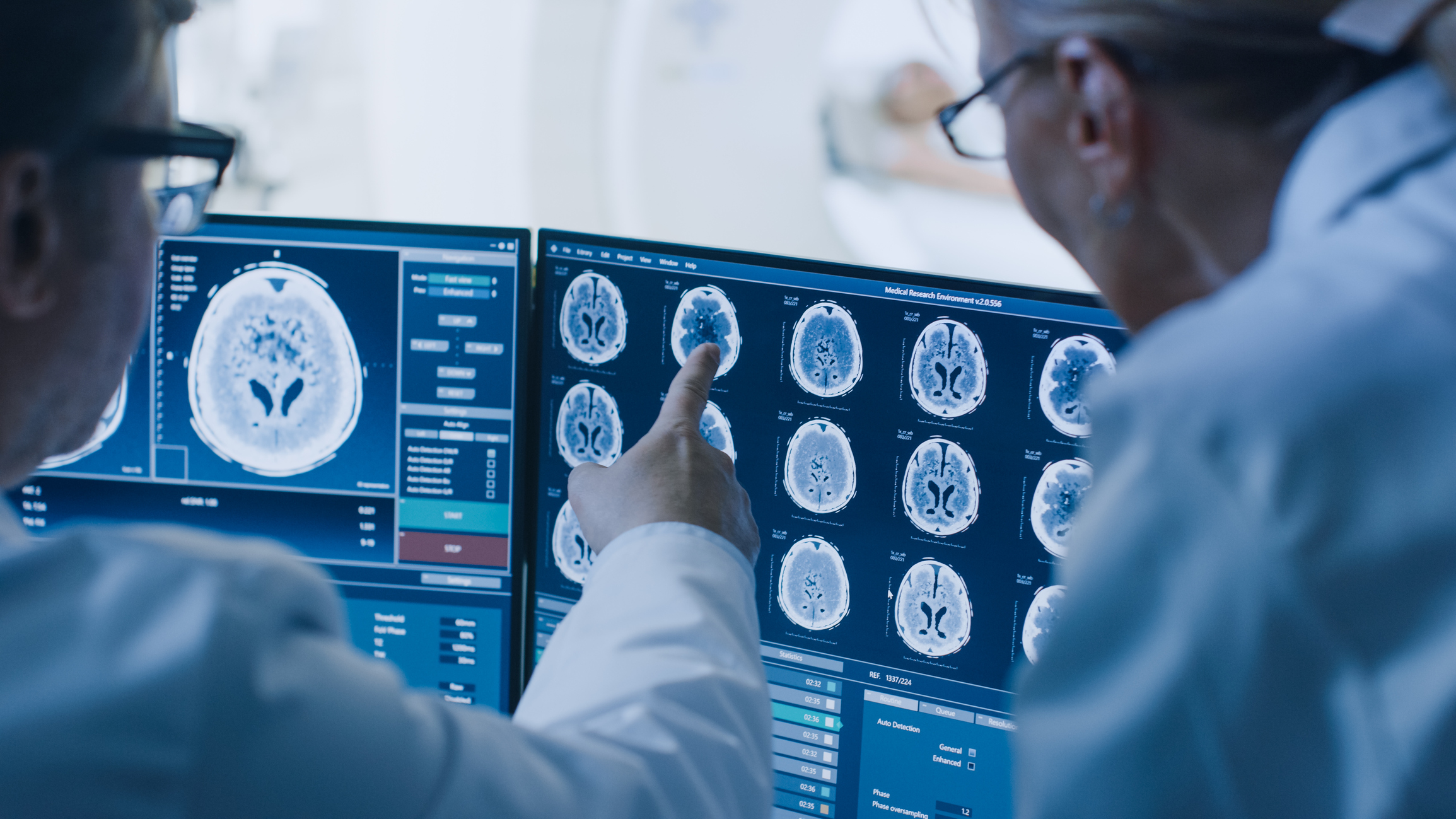
metaSOFT PACS is the enterprise imaging backbone — a DICOM-native vendor-neutral archive with a zero-footprint HTML5 viewer, multi-site replication, intelligent storage tiering and secure external sharing. Radiologists and clinicians access any study from any browser on any device.
All modalities, all facilities, all historical studies stored in one DICOM-native VNA; no separate archives per site, no CD import backlog, no orphan studies.
Radiologists and clinicians read studies from any web browser on any device — laptop, tablet or mobile — with no workstation installation and no VPN requirement.
Prior studies load in the same viewer for side-by-side comparison; the system automatically pulls relevant priors based on study type and anatomy.
Automatic synchronous or asynchronous replication between primary and secondary sites; recovery time objective measured in minutes, not hours.
Studies are shared externally via a tokenised secure link with configurable expiry; no CD burning, no DICOM media, no courier.
Lossless compression for fresh studies; automated migration to lower-cost object storage for studies beyond the configurable hot-tier window — reducing storage cost without compromising access.
PACS integrates directly with the metaSOFT RIS. When a radiology order is placed, the study header flows to the PACS via DICOM worklist; when images are acquired, they route to the archive automatically. The radiologist opens both the PACS viewer and the RIS report in a unified workspace — no switching between applications. When the report is signed, it is linked to the study in PACS so the referring physician sees both images and report from their EMR workstation.
For multi-site hospital groups, PACS delivers the imaging network that makes clinical collaboration possible. A cardiologist at site A can review an echocardiogram acquired at site B without requesting a CD or waiting for a courier. Telemedicine consultations with external specialists are enabled by generating a secure, time-limited viewer link — no credentials to create, no VPN to configure, no software to install on the specialist's device.